Free
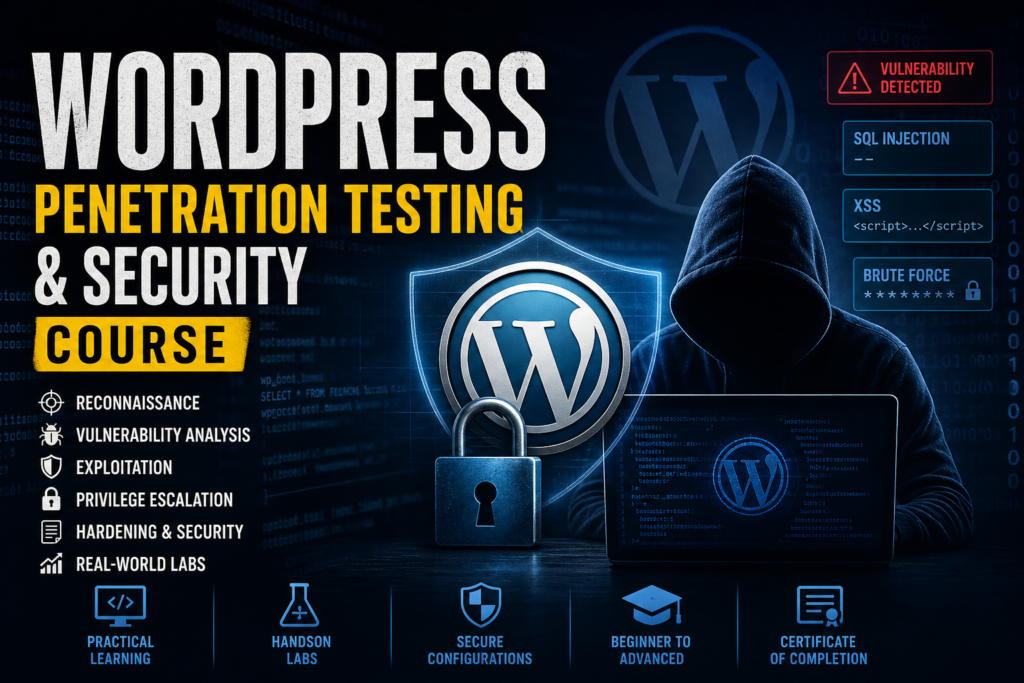
WordPress Penetration Testing & Security
This course provides a practical introduction to WordPress security testing, focusing on how real-world attacks are performed and how they can be effectively mitigated.…
PentestHint Academy
Learn Linux from scratch and build a strong foundation in both Linux CLI and GUI. This beginner-friendly course covers Linux history, kernel architecture, Ubuntu, Kali Linux, WSL installation, file management, permissions, users and groups, process management, networking, package management, and system administration. Through practical demonstrations and hands-on labs, you'll gain the confidence to work with Linux professionally and prepare for careers in cybersecurity, cloud computing, DevOps, and system administration.
Master Linux from the ground up with this comprehensive Linux Fundamentals Mastery course designed specifically for absolute beginners. Whether you have never used Linux before or want to build a strong foundation for cybersecurity, system administration, cloud computing, DevOps, or ethical hacking, this course provides everything you need to get started.
The course begins with Linux fundamentals, including its history, architecture, kernel, distributions, and installation methods. You will learn how to install and configure Ubuntu, Kali Linux, Virtual Machines, and Windows Subsystem for Linux (WSL).
From there, you will dive deep into both Linux Graphical User Interface (GUI) and Command Line Interface (CLI). You will learn how to navigate the Linux file system, manage files and directories, create and edit text files, manage users and groups, configure permissions, understand SUID, SGID, and Sticky Bit permissions, manage processes, monitor system resources, and perform essential administrative tasks.
The course combines theory, demonstrations, hands-on labs, and real-world exercises to ensure you gain practical experience. By the end of the course, you will be comfortable working in Linux environments and ready to pursue advanced topics such as cybersecurity, penetration testing, cloud security, DevOps, and Linux administration.
No prior Linux experience is required. This course is designed to transform complete beginners into confident Linux users.
This course is ideal for:
This lesson introduces students to the course structure, learning objectives, and the fundamentals of Linux. Students will understand what Linux is, why it is widely used across industries, and how Linux skills can help build a successful IT and cybersecurity career.
This lesson explains the origin of Linux, the history behind its development, and how the open-source movement transformed the technology industry. Students will learn how Linux evolved into one of the most powerful operating systems in the world.
This lesson compares Linux, Windows, and macOS from a practical perspective. Students will understand the strengths, weaknesses, and use cases of each operating system.
This lesson explains the internal architecture of Linux and how different components work together. Students will understand how Linux communicates with hardware and software.
This lesson covers the Linux file system structure and the complete boot process. Students will learn how Linux starts and how files are organized within the operating system.
This lesson introduces essential Linux components and explains how software installation works through package managers.
This lesson explains what Linux distributions are and why different distributions exist. Students will learn how distributions are built and maintained.
This lesson explores the most commonly used Linux distributions in desktop, enterprise, cloud, and cybersecurity environments.
This lesson introduces virtualization technology and explains why virtual machines are essential for Linux learning and cybersecurity labs.
This lesson provides a step-by-step guide to installing Ubuntu Linux inside a virtual environment.
This lesson explains how to install Kali Linux and prepare it for cybersecurity learning and penetration testing labs.
This lesson introduces WSL and demonstrates how Linux can run directly inside Windows without a separate virtual machine.
This lesson introduces Linux graphical desktop environments and explains how users interact with Linux using GUI interfaces.
This lesson demonstrates everyday tasks using Linux graphical interfaces and prepares students for practical Linux usage.
This lesson introduces the Linux command-line interface and explains why the terminal is one of the most powerful tools in Linux.
This lesson helps students understand how Linux commands work and how command-line operations are structured.